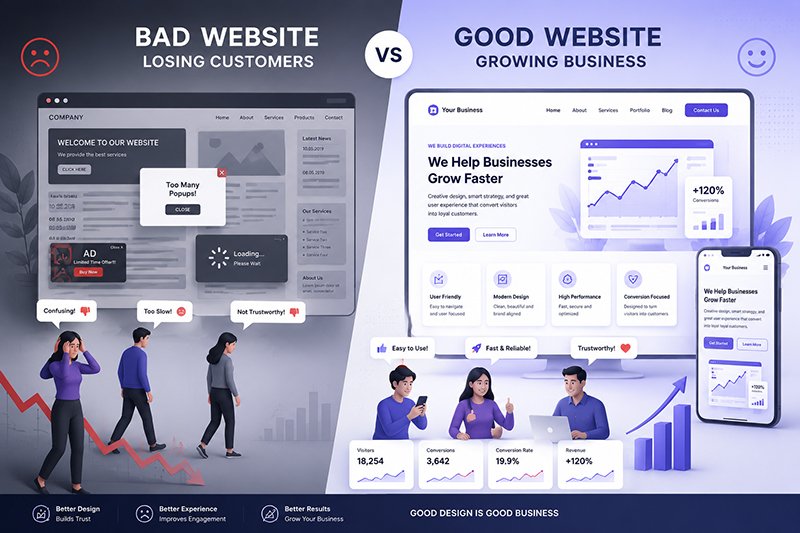
Good design isn’t about making your website look beautiful. It’s about helping visitors trust your business, find what they need, and take action.
Introduction
Imagine this.
A potential customer searches Google for your business.
They click your website.
Within a few seconds they leave.
Not because your product is bad.
Not because your pricing is too high.
But because your website failed to make a good first impression.
This happens thousands of times every day.
A website isn’t just an online brochure anymore—it’s often the first conversation someone has with your business. If that experience feels confusing, outdated, or slow, visitors quickly move on to a competitor.
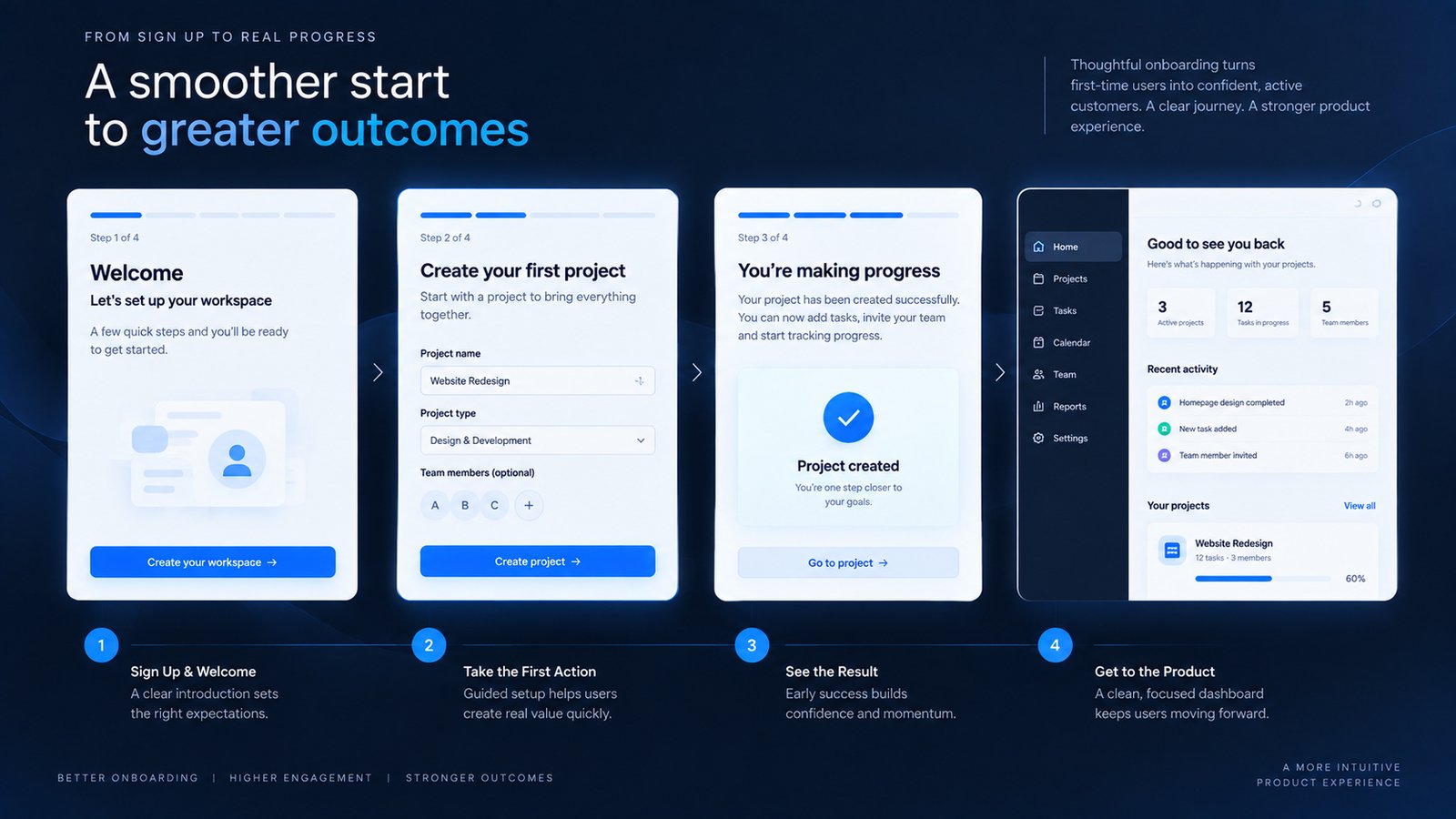
As a UI/UX designer, I’ve learned that successful websites don’t just look attractive. They guide people, answer questions, build trust, and make it easy to take action.
Let’s explore the most common design mistakes that silently cost businesses customers—and how you can avoid them.
1. First Impressions Matter
Visitors begin forming an opinion almost immediately after landing on a website.
If the design appears cluttered, outdated, or difficult to navigate, confidence drops before the user even reads your content.
A modern website should immediately communicate:
- Professionalism
- Credibility
- Simplicity
- Brand identity
Ask yourself:
- Does my homepage clearly explain what my business does?
- Is my design visually consistent?
- Would I trust my own website if I saw it for the first time?
2. Slow Websites Drive Visitors Away
A beautiful website still fails if it takes too long to load.
Slow pages frustrate users and can increase bounce rates.
Simple ways to improve speed:
- Compress images
- Use modern image formats like WebP
- Reduce unnecessary plugins
- Enable browser caching
- Optimize CSS and JavaScript
Fast websites create better experiences and encourage visitors to explore further.
3. Mobile Experience Is No Longer Optional
Most visitors now browse from smartphones.
Yet many business websites are still designed primarily for desktop users.
A mobile-friendly website should provide:
- Readable text
- Easy navigation
- Touch-friendly buttons
- Fast loading
- Responsive layouts
Designing for mobile first ensures a smoother experience across all devices.
4. Clear Navigation Builds Trust
Visitors shouldn’t have to guess where to click.
Your navigation should be simple and logical.
Essential menu items include:
- Home
- About
- Services
- Portfolio
- Blog
- Contact
The easier it is for people to find information, the more confident they’ll feel about doing business with you.
5. Strong Calls to Action Increase Conversions
Every page should guide users toward a clear next step.
Examples include:
- Request a Quote
- Schedule a Consultation
- View Portfolio
- Contact Me
- Download Our Brochure
Effective calls to action stand out visually and use clear, action-oriented language.
6. Trust Signals Matter
People buy from businesses they trust.
Strengthen credibility with:
- Client testimonials
- Portfolio examples
- Certifications
- Awards
- Case studies
- Company details
- Professional imagery
These elements reassure visitors that your business is reliable.
7. Great UX Solves Problems
Good UI makes a website attractive.
Great UX makes it useful.
Before choosing colors or fonts, focus on the user journey:
- What information are visitors looking for?
- How quickly can they find it?
- What might prevent them from taking action?
Design should remove obstacles, not create them.
Key Takeaways
✔ Make a strong first impression
✔ Prioritize fast loading speeds
✔ Design for mobile users
✔ Keep navigation simple
✔ Use clear calls to action
✔ Showcase trust signals
✔ Focus on user experience over decoration
Conclusion
Your website works around the clock.
It represents your brand, answers questions, and often determines whether someone chooses your business or moves on.
Investing in thoughtful design isn’t about following trends. It’s about creating an experience that helps visitors feel confident and encourages them to become customers.
A great website doesn’t simply attract traffic—it builds relationships.
Frequently Asked Questions
Why is website design important for business?
Professional website design builds trust, improves usability, and helps convert visitors into customers.
How often should a business redesign its website?
Most businesses benefit from reviewing and refreshing their website every few years or whenever their goals, branding, or user needs change significantly.
What’s the difference between UI and UX?
UI (User Interface) focuses on visual elements such as buttons, typography, and layouts. UX (User Experience) focuses on how users interact with the website and how easily they can achieve their goals.